
Widget: Funnel
The Funnel widget turns the count metrics of a report into funnel steps and shows the conversion from step to step, for example Clicks → Installs → Registrations → Deposits.
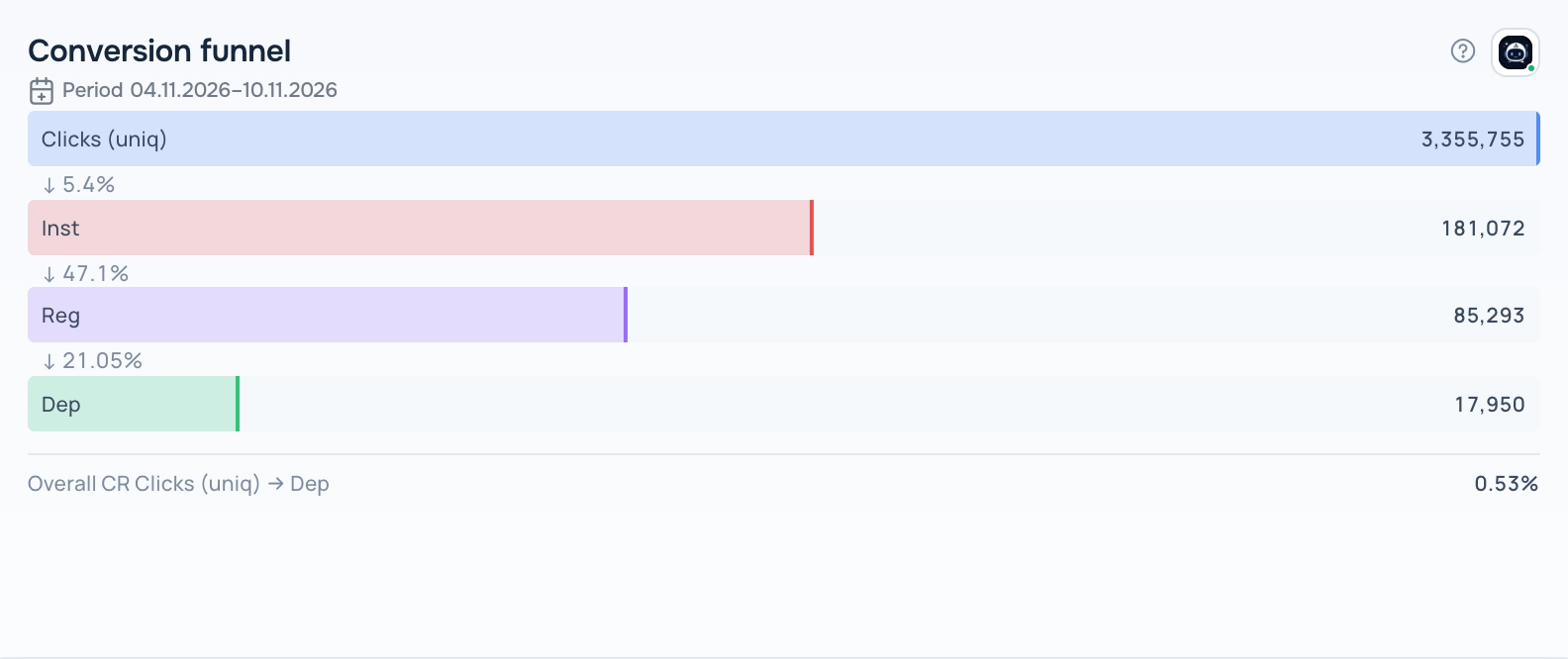
Funnel widget
What the report needs
A saved report with at least two count metrics (clicks, installs, registrations, deposits and similar). Rates and money metrics are not used as steps. The steps follow the order of metrics in the report.
Views
The widget has several views. Switch the view in the widget header while the dashboard is in edit mode; the choice is saved with the dashboard.
Bars
Horizontal bars per step with the conversion from the previous step and the overall conversion from the first to the last step.
Funnel
A classic trapezoid funnel.
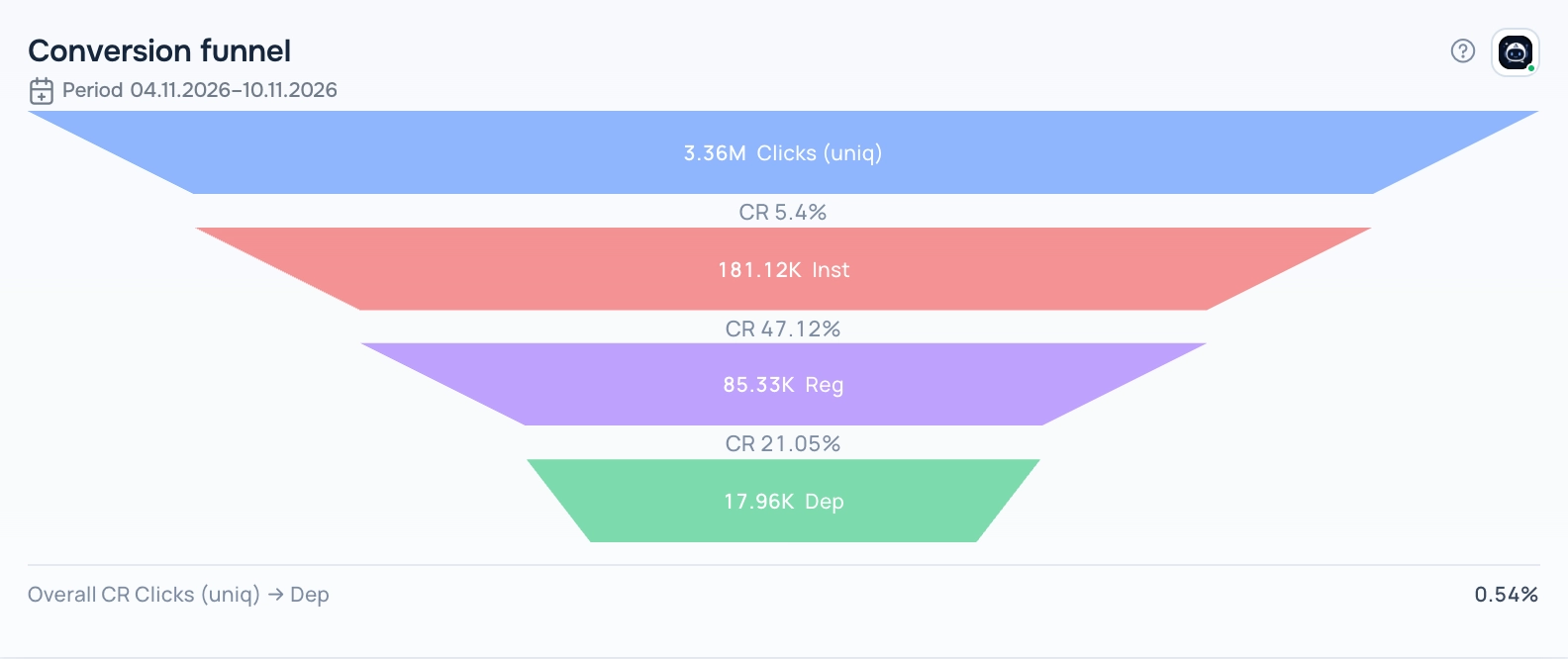
Funnel — Funnel view
Steps
Step cards with the step-to-step conversion.
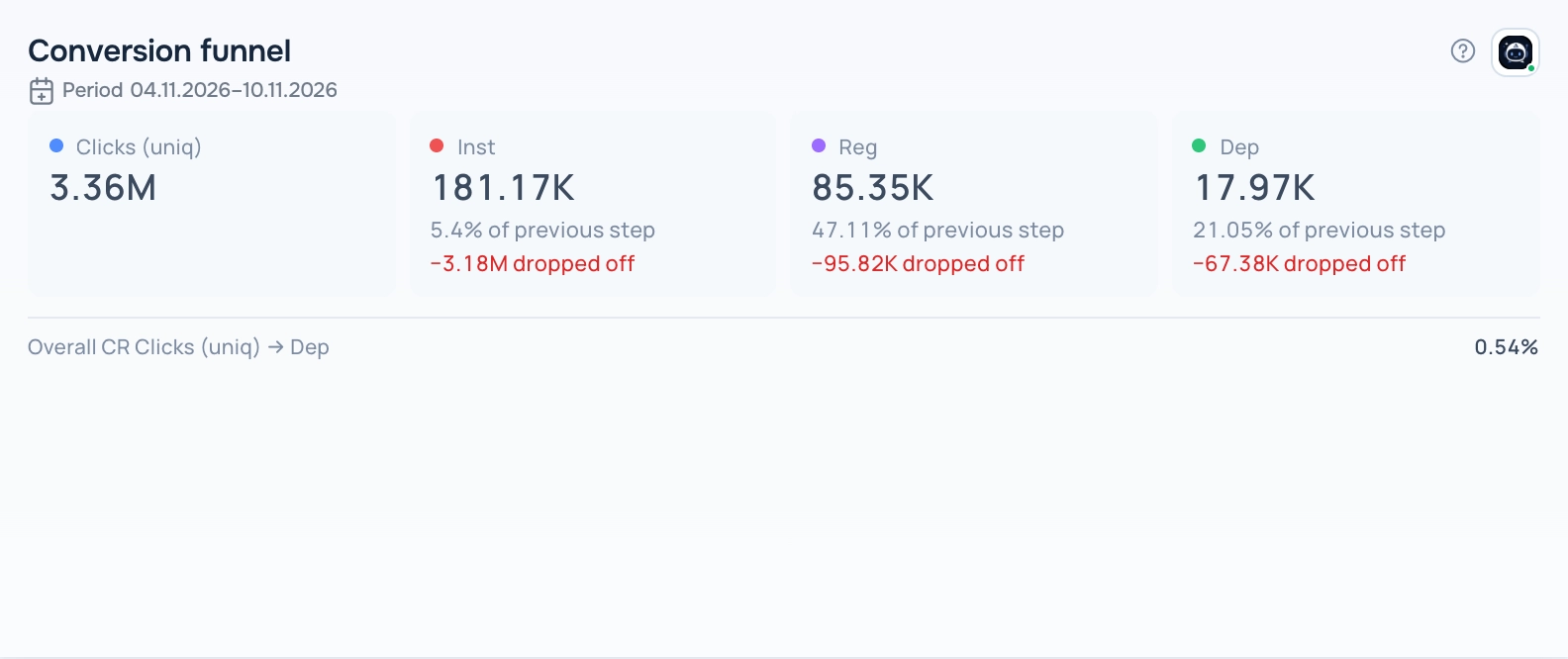
Funnel — Steps view
How to add the widget
- Open Tracker → Dashboard, open the dashboard list and click the pencil icon next to your dashboard to enter edit mode.
- Click Add Widget and choose Funnel in Display type.
- Pick a report in Select saved report. The list shows only reports that fit this display type. If it is empty, create a report in Tracker → Reports first.
- Set the optional title, width and height, then click Save.
- Click Save on the dashboard toolbar to keep the changes.
Period
The widget shows data for the period saved in its report; the caption under the title shows the dates. When you change the dates in the dashboard date selector, all widgets switch to the dashboard period.
Tips
- Put the metrics in the report in funnel order: the widget does not reorder them.
- If the report has period comparison turned on, the widget also shows how the conversion of each step changed.
The ? button in the widget header opens this help article. The Adset AI button next to it opens the assistant with the widget context and ready-made questions about its data.